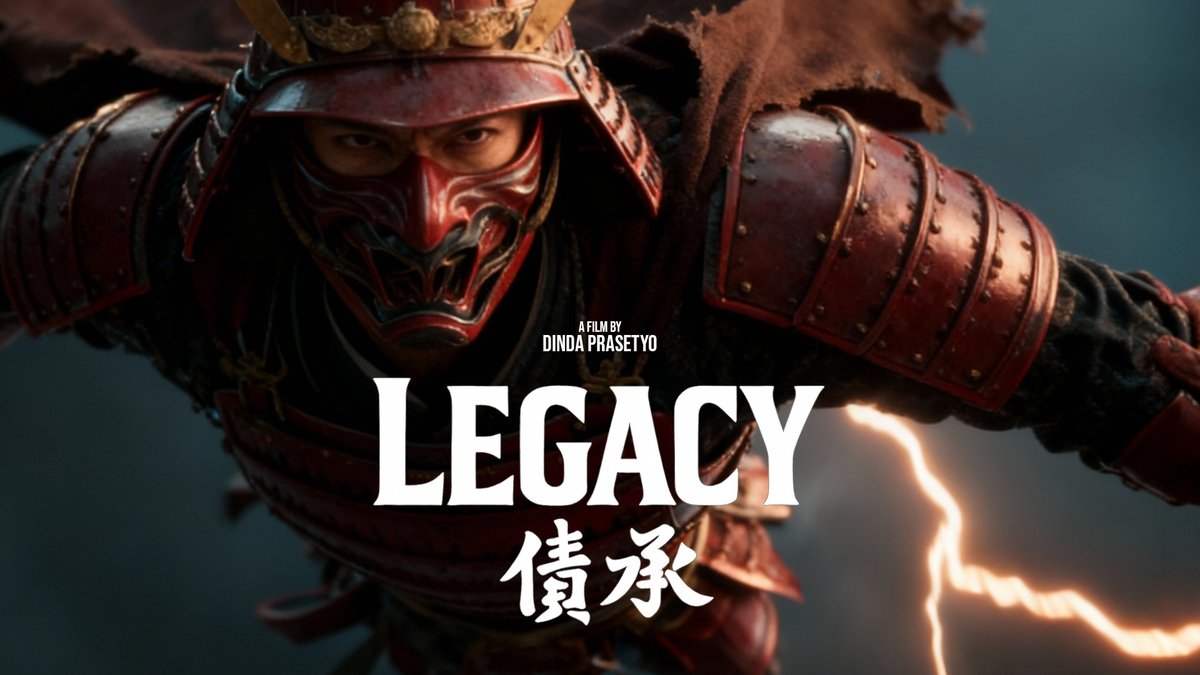

I made my own font. With AI. In CapCut. 🤯 No design software, no type foundry, no 3 years of practice. Just a reference photo, a short description, and one tap. This is the font I built for my next film title card and yes, you can make yours too. Here's how ↓ Tap Text → Add text Tap Fonts → My fonts → Generate new Upload a reference image (or just describe the vibe) Generate → done. It's yours Your handwriting. Your brand. Your aesthetic. Now it's a real font. Try it on your @capcutapp — Text → Fonts → My fonts → Generate new. @capcutindonesia
Shows tapping CapCut's Fonts menu to generate a new AI font and typing text.
- 4.3K views
- 12 likes
- 1 reposts
- 1 replies
- 3 bookmarks
This video is Dinda Prasetyo’s work, shown from their public post. See it on X.