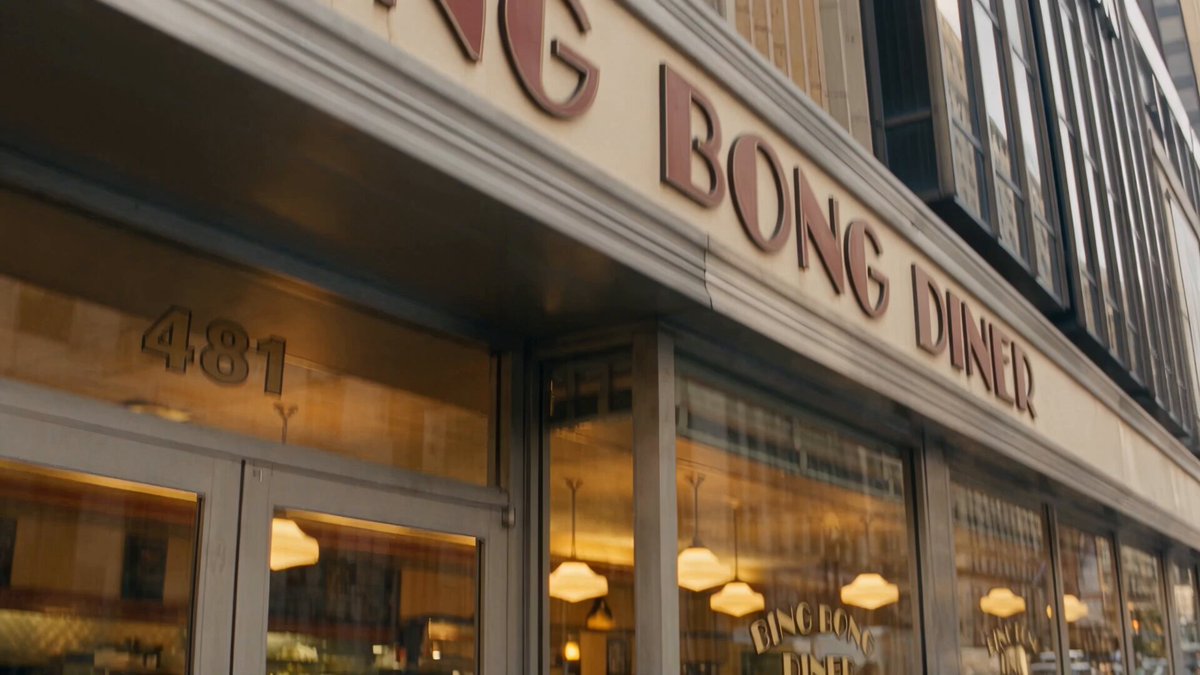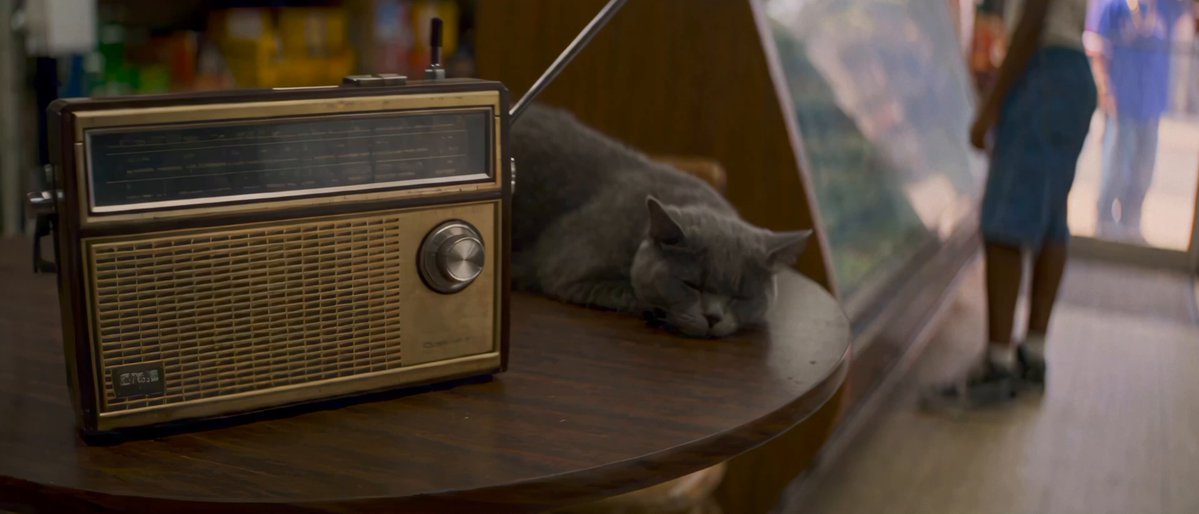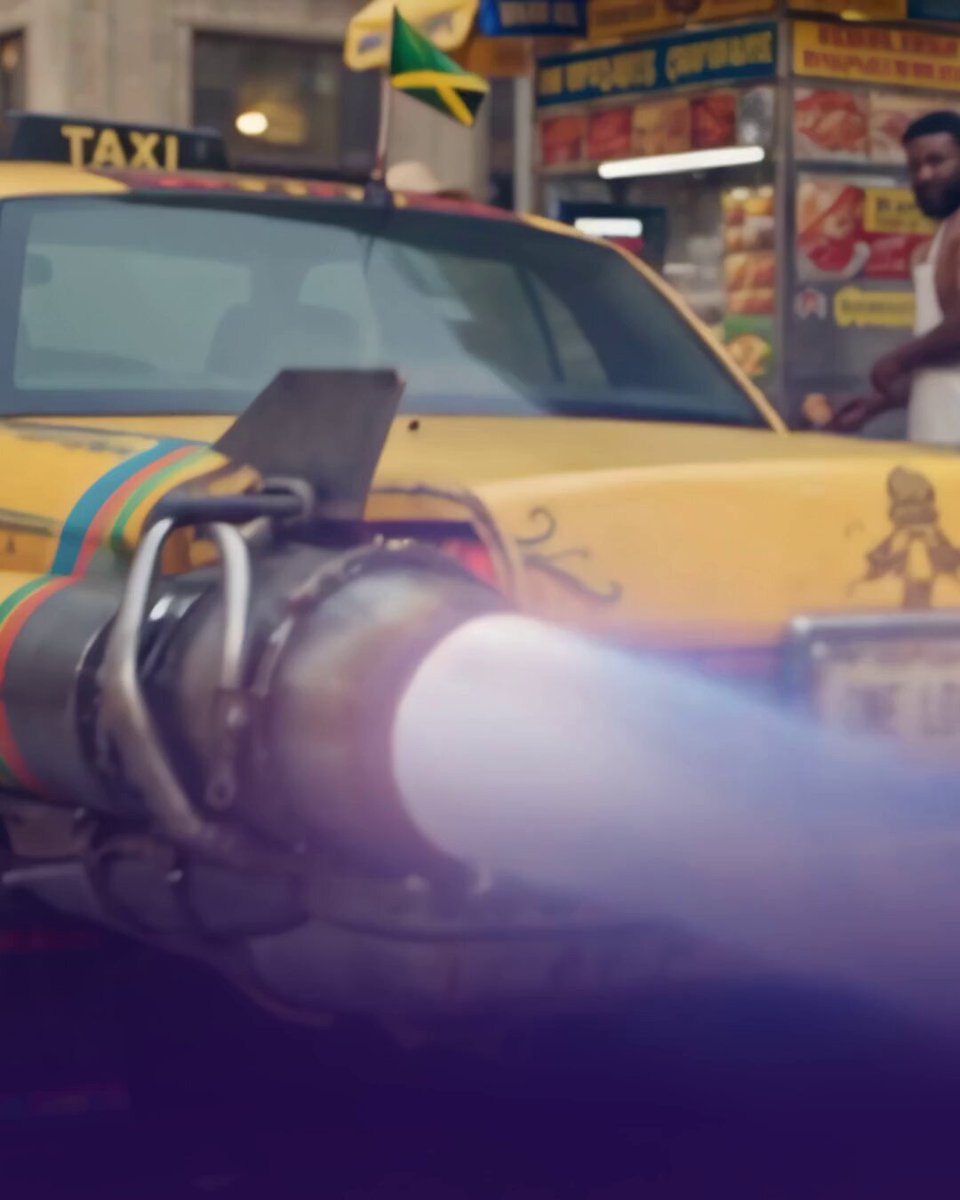

Stop describing real locations to AI. Give it coordinates. 👇 Every Times Square shot in 'Taxi Ride From Hell' started as one pin in Google Maps: "40.75726, -73.98601" ... that's it. Here’s the workflow: 1⃣ Drop a pin in Google Maps exactly where your camera would stand. Right-click it and copy the coordinates. 2⃣ Paste the coordinates BY ITSELF into your image prompt. Add the time of day, camera height and era. 3⃣ Use that image as the location reference in your video prompt, then direct your characters inside it. “Busy New York street” gets you a generic city. Coordinates get you the real buildings, the real sightlines and the real street layout, and the location holds from shot to shot. 🚨 Pause on the split screen in the video. Same tkts booth, same flag billboard, same crosswalk. Full film in the replies. Made on @itsPolloAI
A tutorial turning a Google Maps pin into coordinates, reference image and an AI-generated Times Square shot.
- 435 views
- 14 likes
- 3 reposts
- 4 replies
- 5 bookmarks
This video is God's Way Foundation’s work, shown from their public post. See it on X.