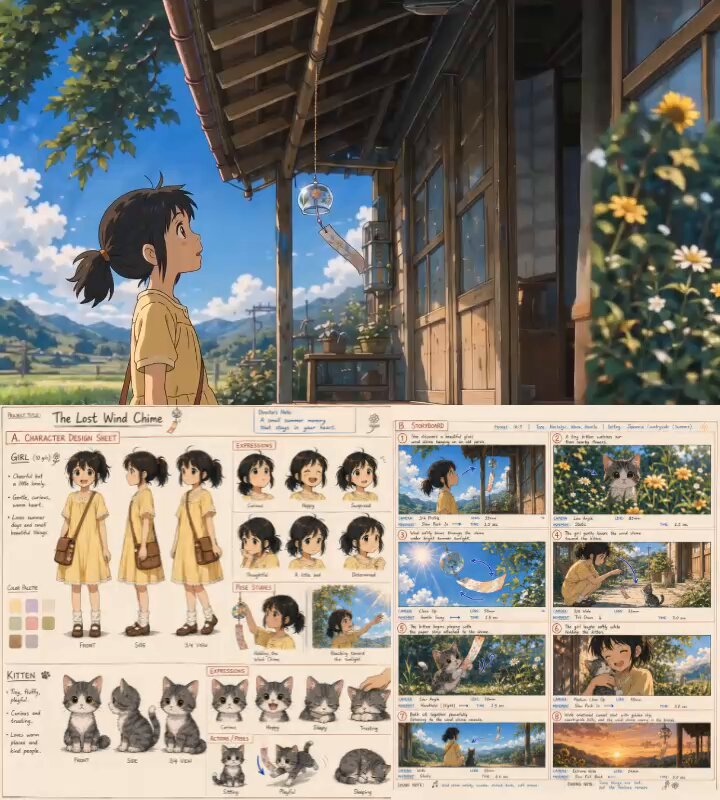
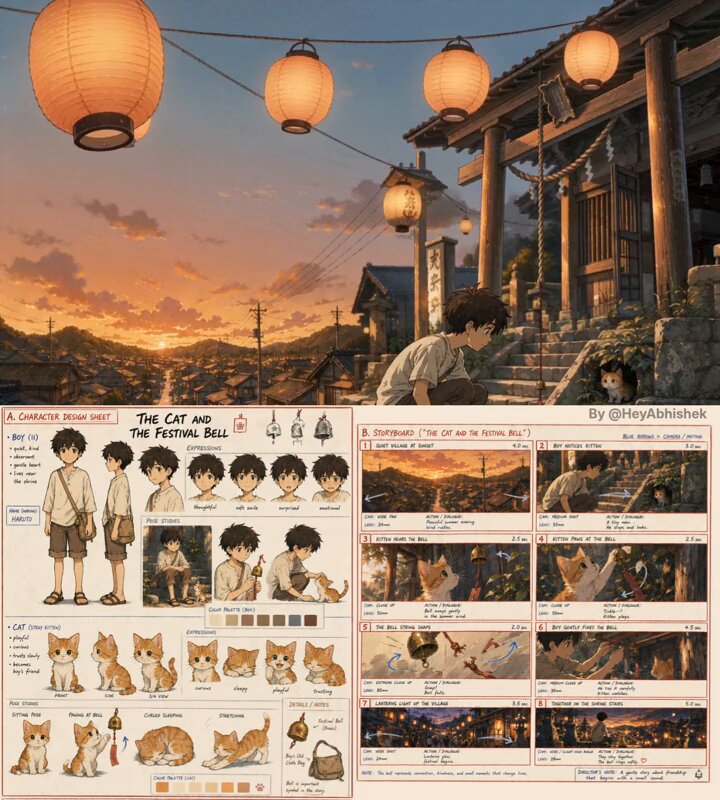
0:149:16AI anime storytelling is crazy now I used ChatGPT Image 2.0 to create an entire anime short film storyboard. Then Seedance 2.0 turned it into a cinematic animated scene in minutes. step by step tutorial with prompts: 👇AAbhishek125KX
0:149:16AI anime storytelling is crazy now I used ChatGPT Image 2.0 to create an entire anime short film storyboard. Then Seedance 2.0 turned it into a cinematic animated scene in minutes. step by step tutorial with prompts: 👇AAbhishek85.5KX
0:149:16AI anime storytelling is crazy now I used ChatGPT Image 2.0 to create an entire anime short film storyboard. Then Seedance 2.0 turned it into a cinematic animated scene in minutes. step by step tutorial with prompts: 👇AAbhishek70.9KX
0:149:16AI anime storytelling is crazy now I used ChatGPT Image 2.0 to create an entire anime short film storyboard. Then Seedance 2.0 turned it into a cinematic animated scene in minutes. step by step tutorial with prompts: 👇AAbhishek65.1KX
0:159:16AI anime production is getting powerful. GPT Image 2 created the entire storyboard from one prompt. Then Seedance 2.0 turned it into a cinematic anime scene. Step by step tutorial with prompts: 👇AAbhishek31.1KX
0:149:16AI anime storytelling is ridiculous now I used ChatGPT Image 2.0 to build a complete anime storyboard. Then Seedance 2.0 brought it to life with cinematic animation in minutes. full tutorial with prompts: 👇AAbhishek23.8KX
0:159:16AI anime production is getting crazy. GPT Image 2.5 created the entire storyboard from one prompt. Then Seedance 2.5 turned it into a cinematic anime scene. Step by step tutorial with prompts: 👇AAbhishek17.4KX
0:349:16Used GPT Image 2 & Seedance 2.0 to create this “tiny world” effect My prompts here: This is day 10 of extremely easy edits Edited with @Artlist_ioKCKaren X. Cheng5.9KX
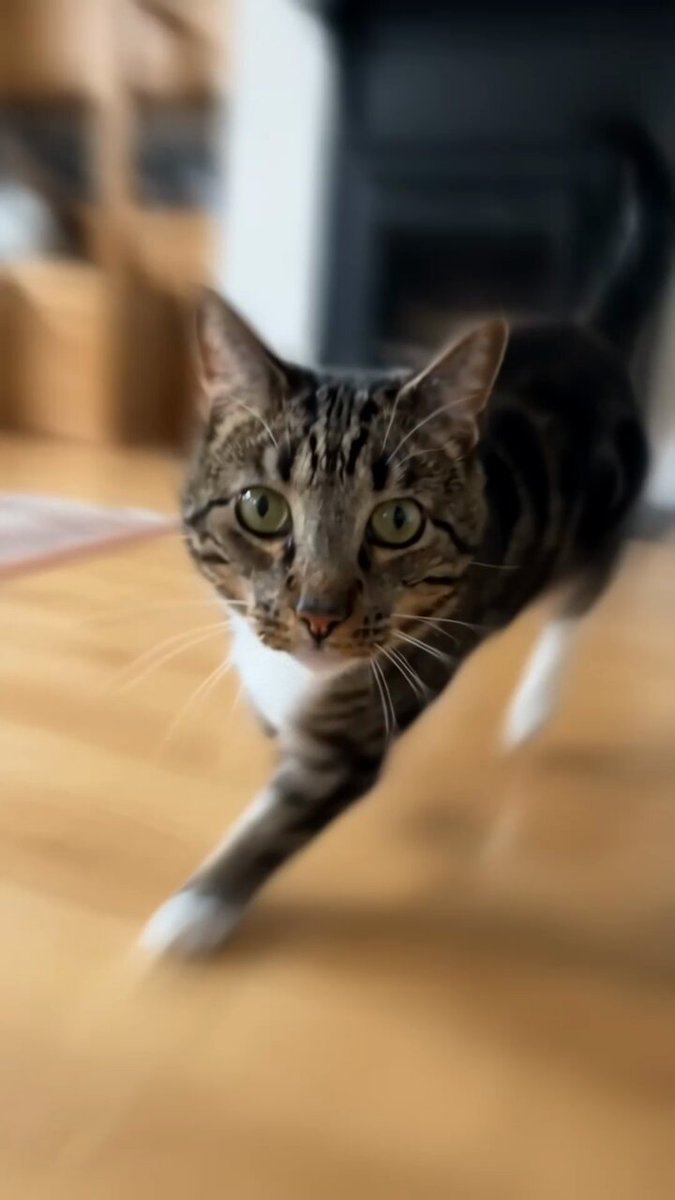
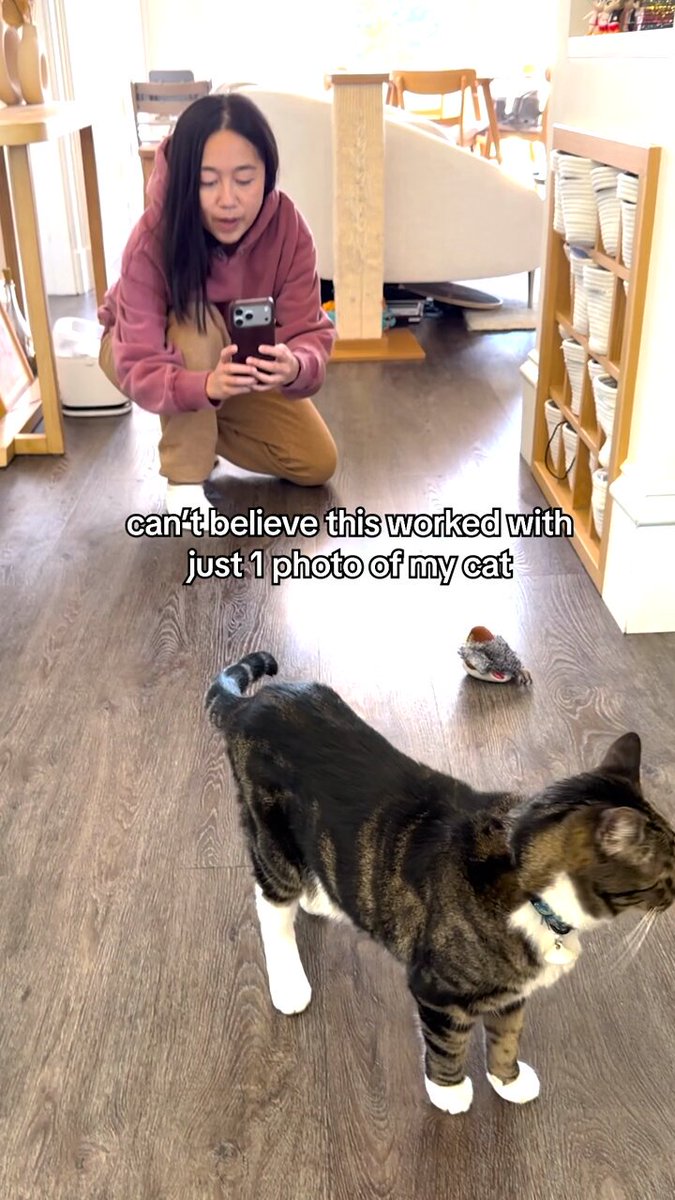
0:319:16Seedance 2.0 is pretty good at making videos of your cat. I made this with just 1 photo My tutorial and prompts here: This is day 8 of extremely easy edits Edited with @magnificKCKaren X. Cheng5.2KX
0:089:16Used GPT Image 2 & Seedance 2.0 to create this “tiny world” effect My tutorial and prompts here: This is day 10 of extremely easy edits Edited with @Artlist_ioKCKaren X. Cheng4.7KX
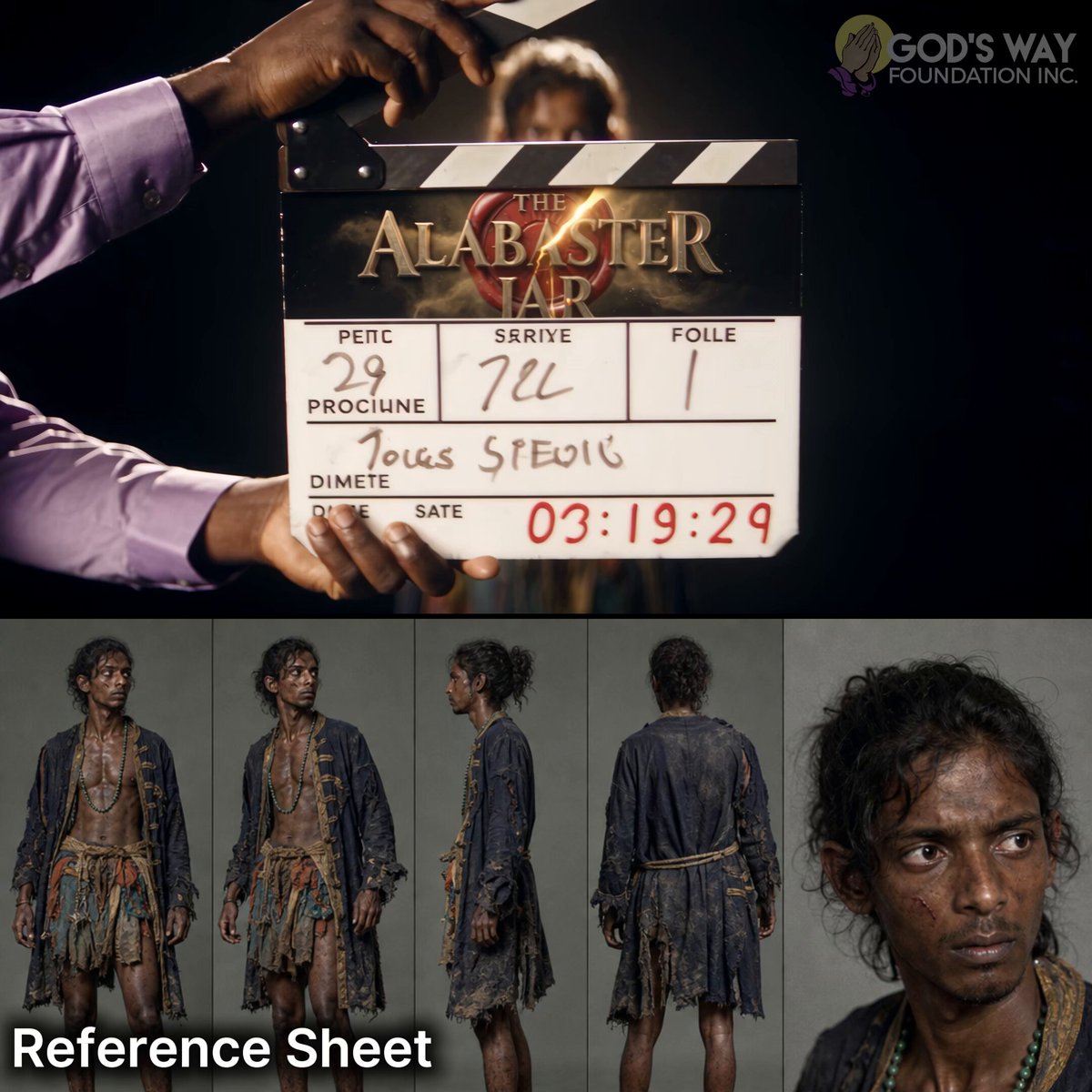
0:301:1Stop putting your AI characters straight into scenes 🫵😠👎 Here's what you do: give them a screen test first! 🎬 And here's why this is useful: the model reads your character's face and builds their voice from it, even when you tell it the accent...but let's go in depth: 🗣️ THE MODEL CASTS THE VOICEGFGod's Way Foundation3.9KX
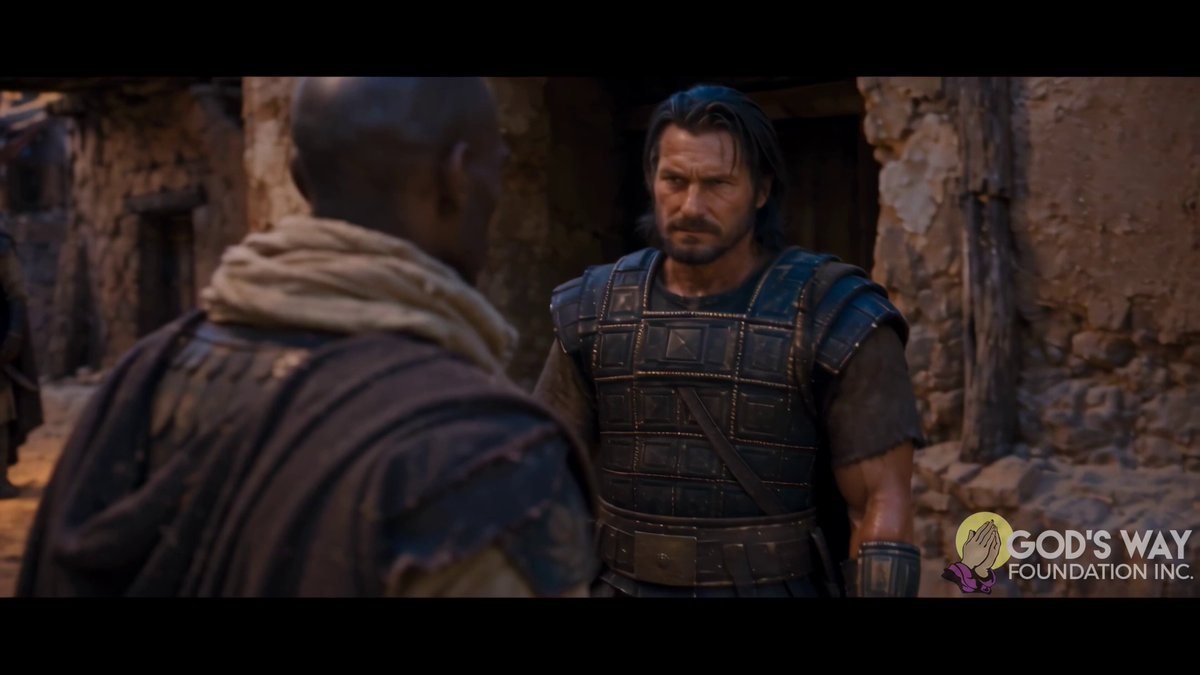
1:28🎥 Steal Hollywood's oldest trick so that Seedance 2.5 can hide its mistakes in a fight. Here's the camera setup that serves as the FIX 👇 Hands, feet, contact... the model still gets some of it wrong. The trick is making sure the viewer never gets a clean look at it. This fight is three Seedance 2.GFGod's Way Foundation3.3KX
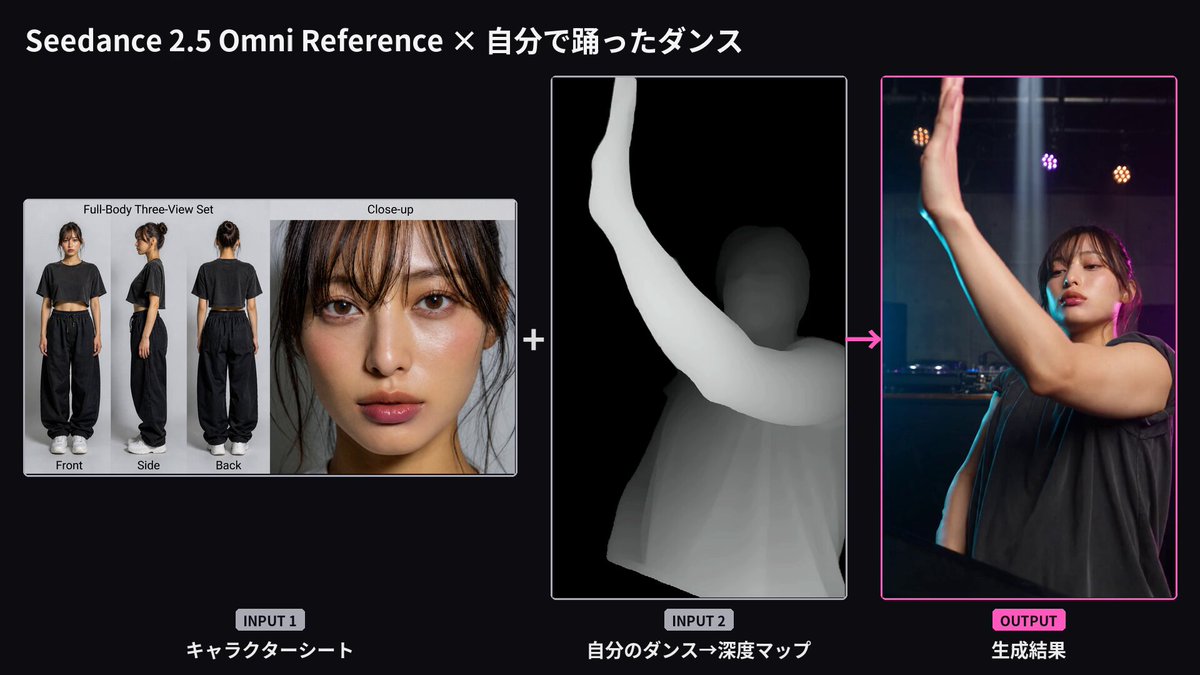
0:309:16Seedance 2.5 + GPT image 2.0 Used 4 character references + 4 animal references + one location sheet Prompt ⤵ . .BBeginnersblog3.2KX
0:109:16Seedance 2.0 is pretty good at making videos of your cat I made this with just 1 photo My tutorial and prompts here: This is day 8 of extremely easy edits Edited with @magnificKCKaren X. Cheng2.8KX
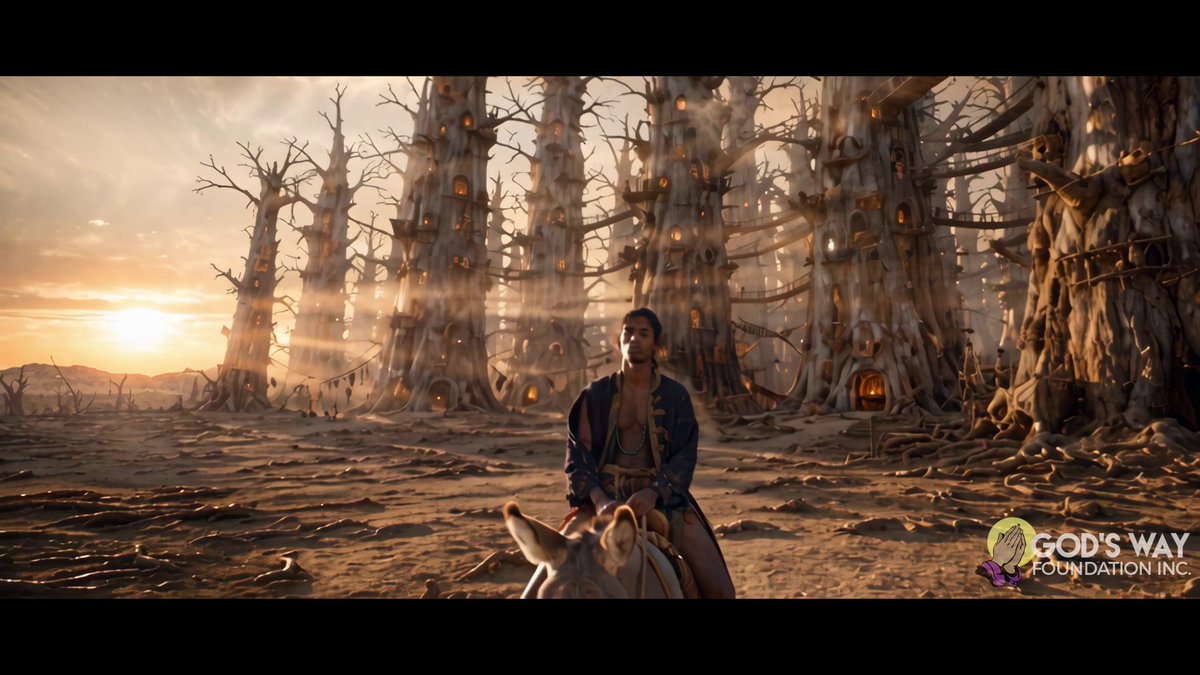
0:14Stop placing everything at the center of your frame with Seedance 2.5 🫵😠👎 Short answer: It doesn't feel like film...but let's go in depth: 📐 WHERE EVERYTHING SITS: In the key frame of this clip, my character is in the LEFT THIRD. The sign he's looking at is in the RIGHT THIRD, high. Neither oneGFGod's Way Foundation1.7KX
3:03FASHION TRANSISTION TUTORIAL USING SEEDANCE 2.5 ON @ArtArchAI . Send a Dm if you need the prompt. You're welcome😊ICIdorenyin Joseph | AI Video creator469X
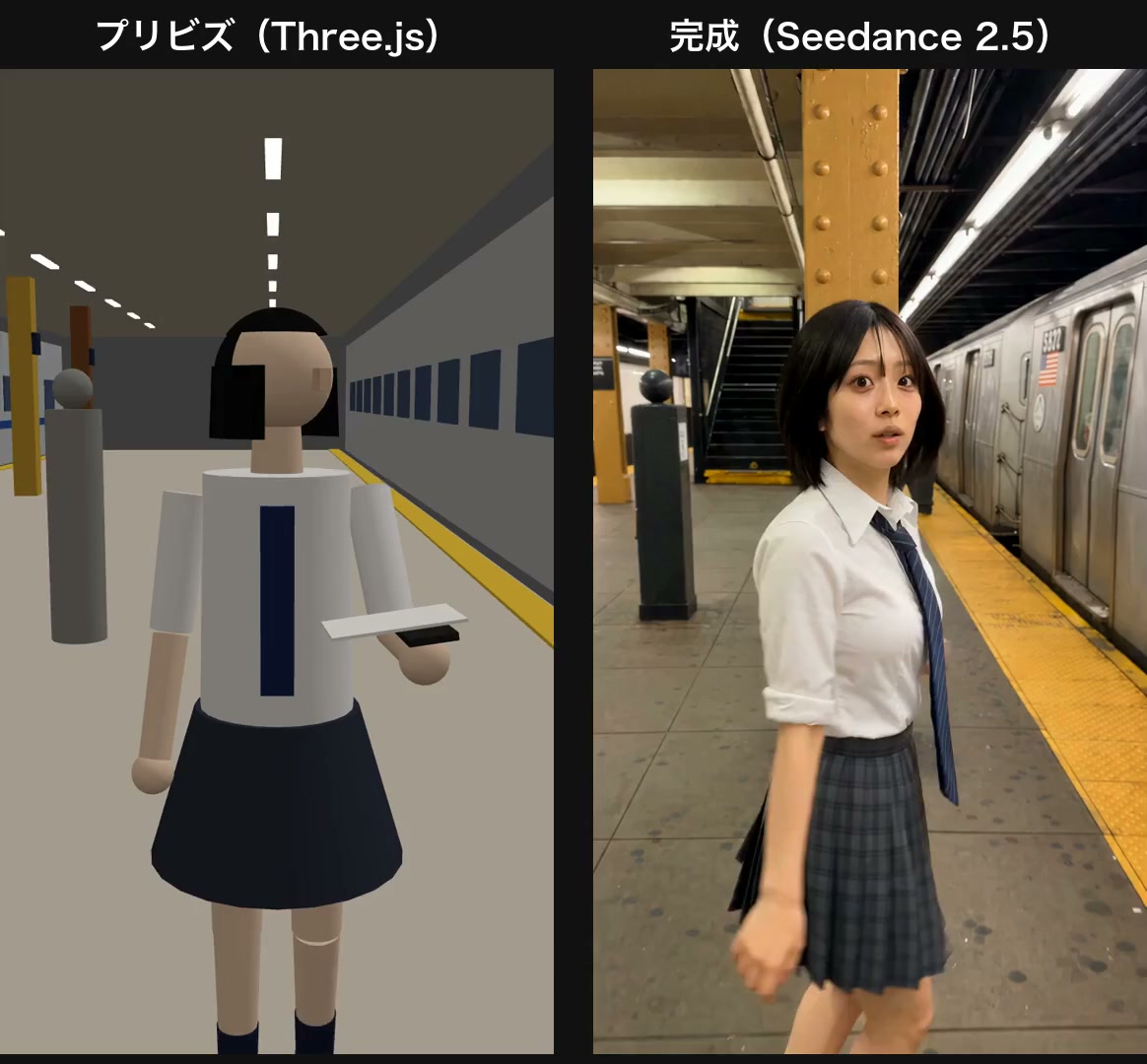 0:290:29
 0:149:16
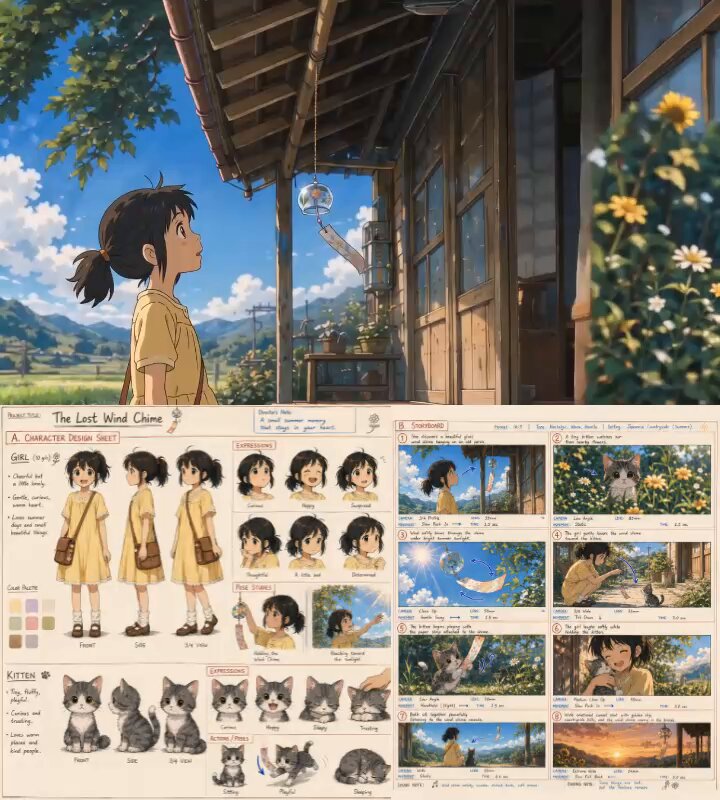 0:149:16
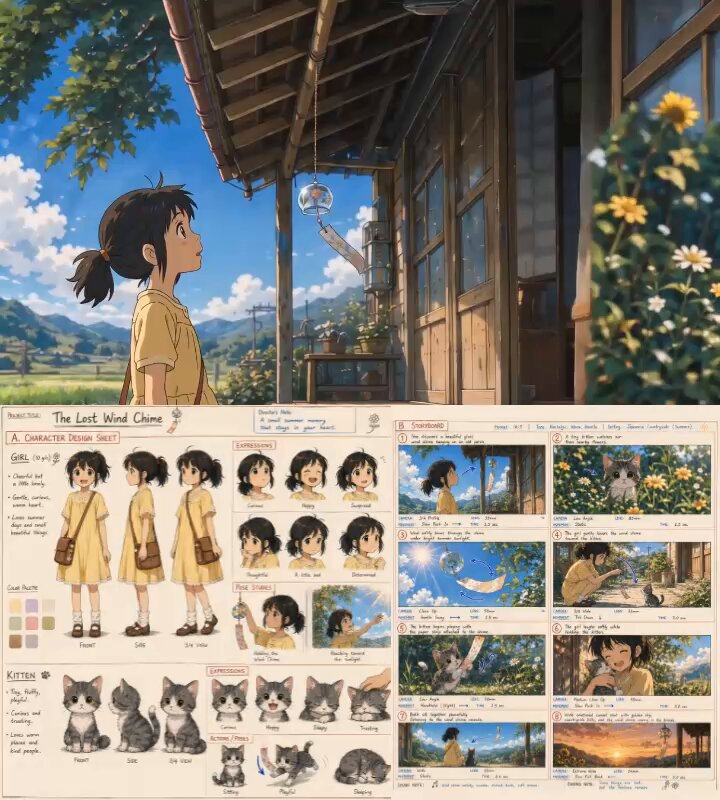 0:149:16
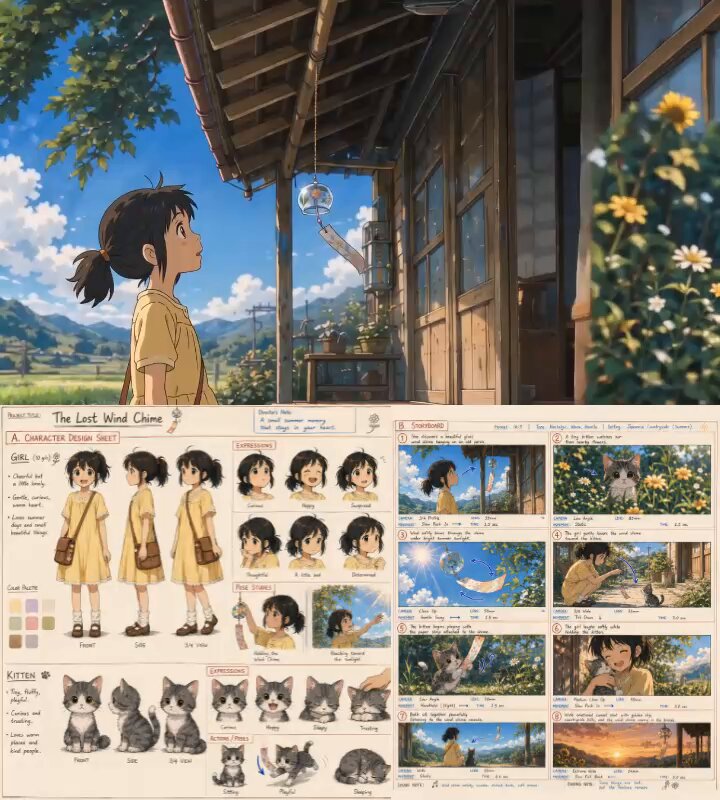 0:149:16
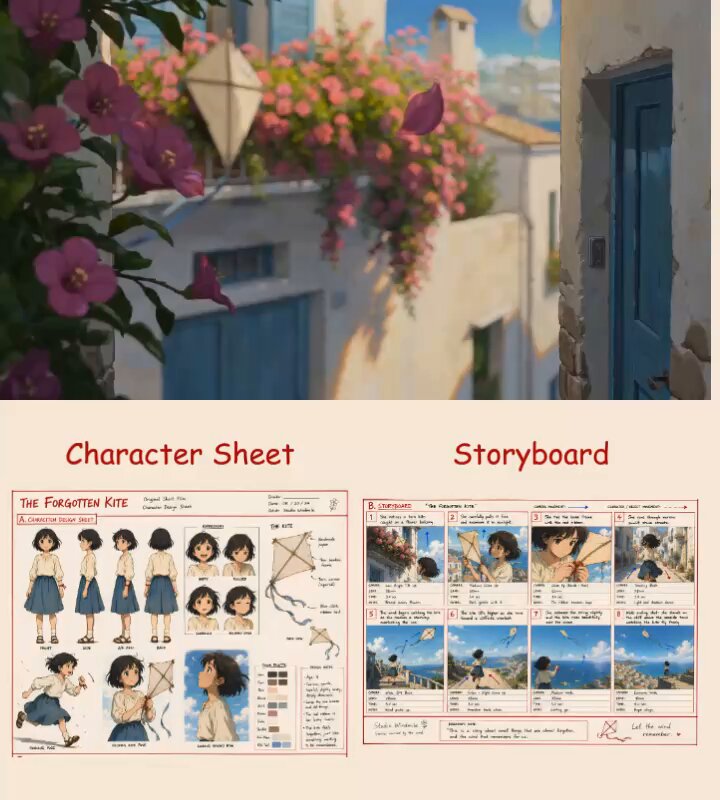 0:159:16
 0:149:16
 0:08
0:08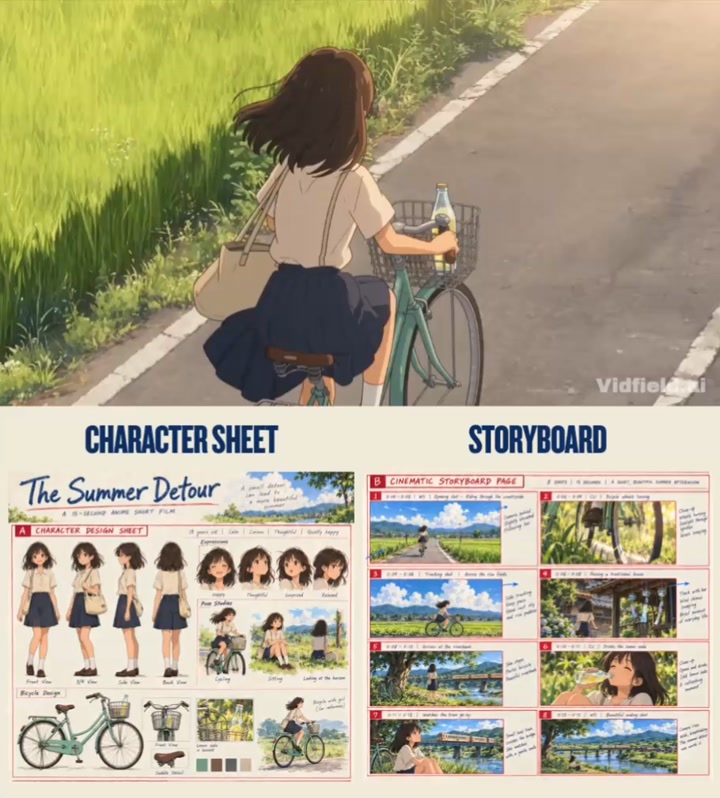 0:159:16
 0:349:16
 0:319:16
 0:089:16
 0:301:1
 1:28
1:28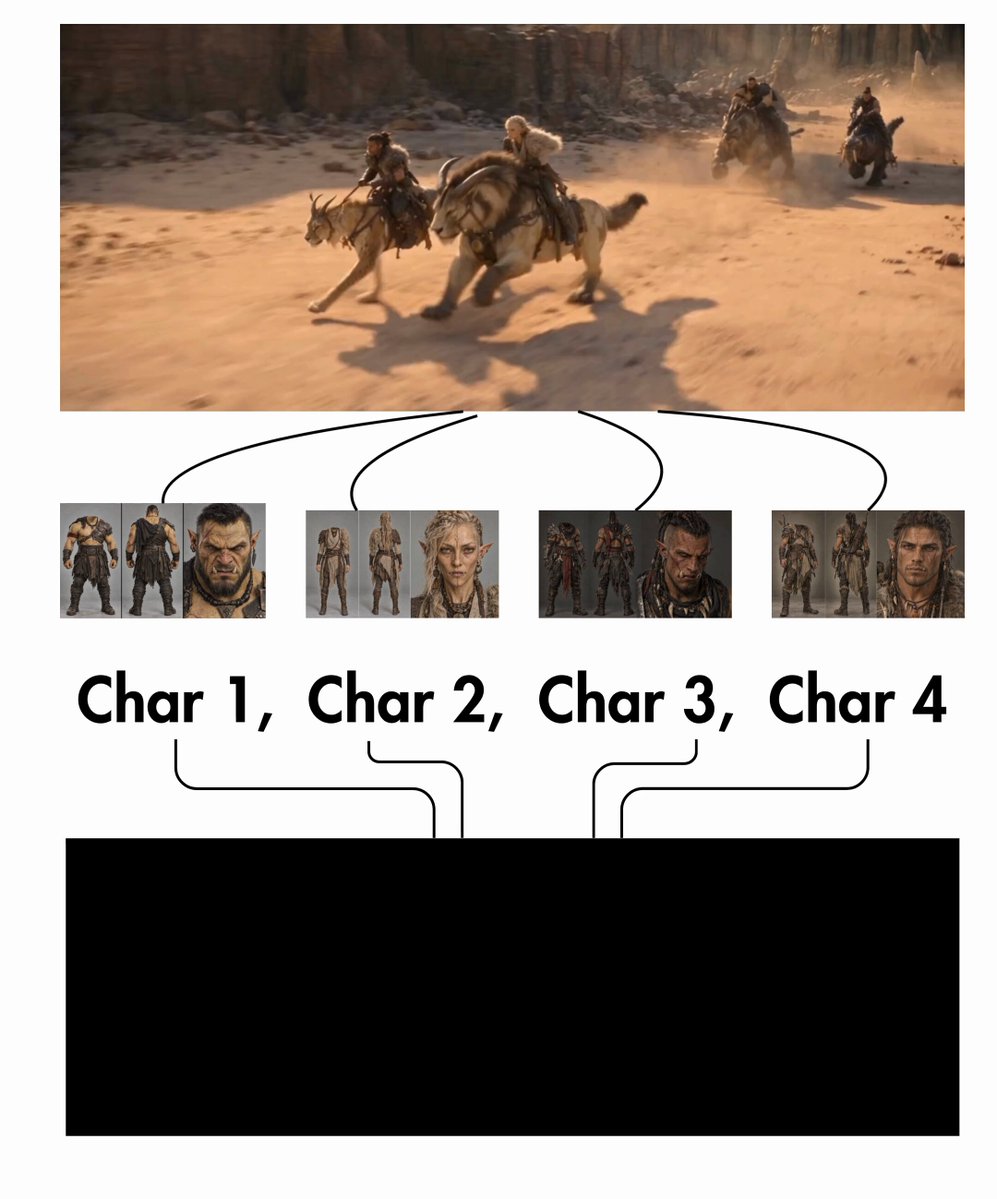 0:309:16
 0:109:16
 0:14
0:14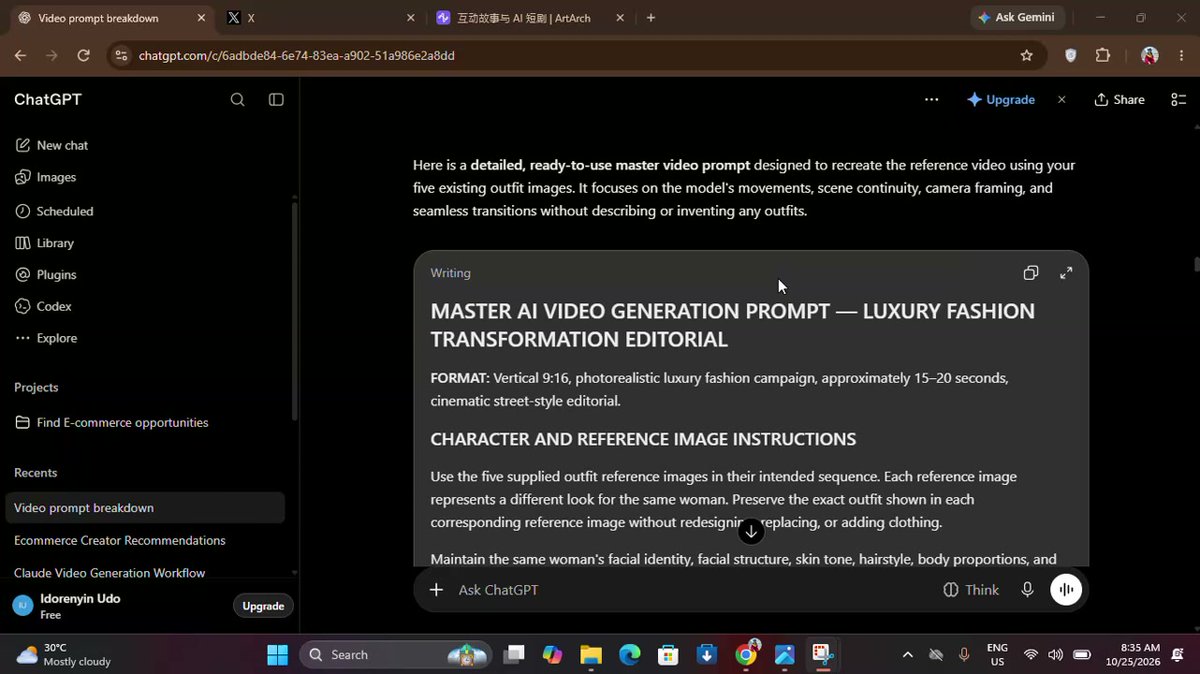 3:03
3:03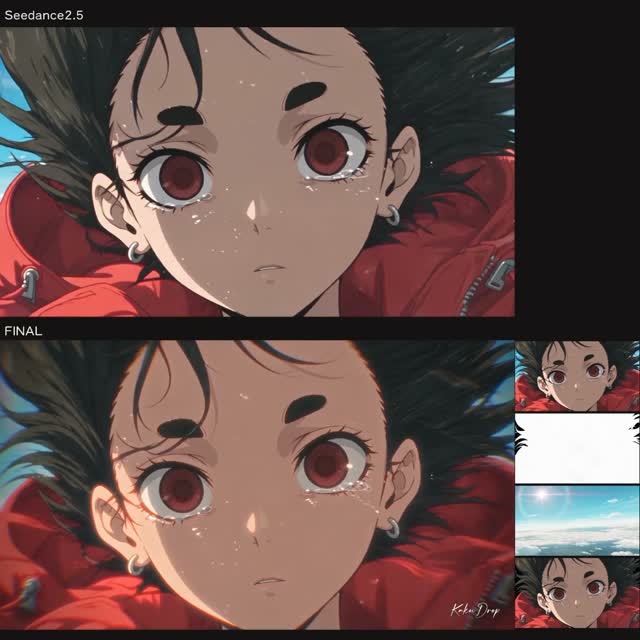 0:171:1
 0:18
0:18