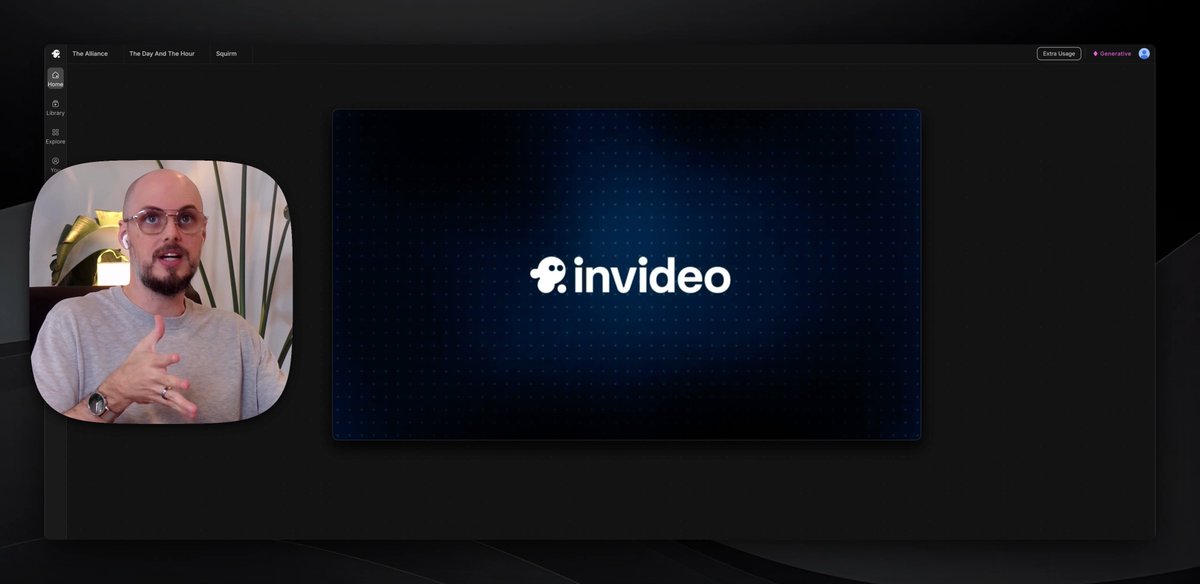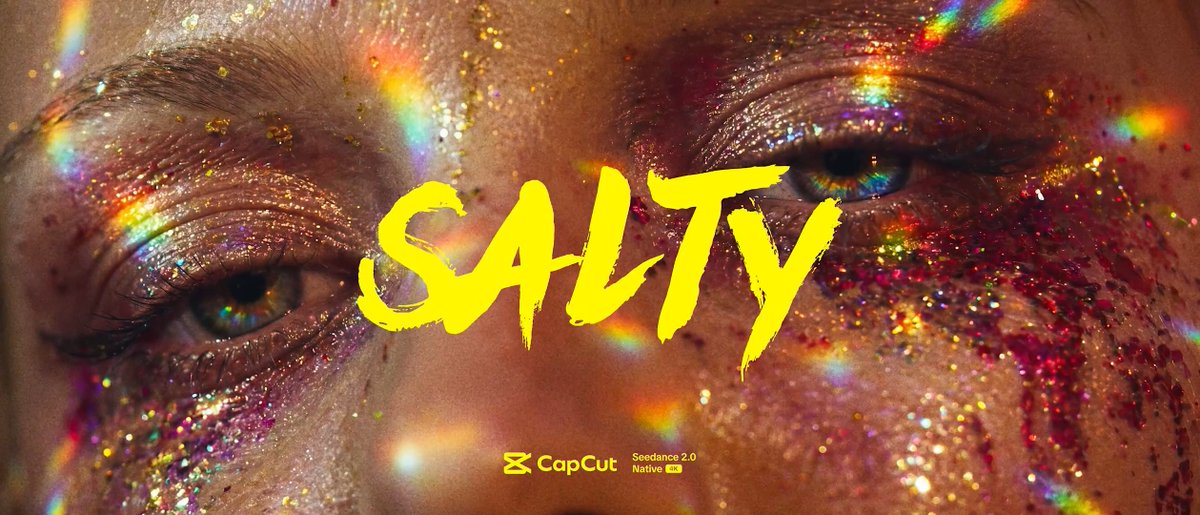

EVERY SINGLE PROMPT... FREE! Instead of just doing a behind the scenes, I thought, what if I shared ALL MY PROMPTS? So, here you go! 'Salty' on Milanote: app.milanote.com/1WCL741ONkcU82?p=PuwLJ4… Milanote is basically a large canvas where I organized everything. IT IS NOT MOBILE FRIENDLY, so view it on a browser. Hold down COMMAND and scroll to zoom in and out, and SHIFT to scroll horizontally. Each scene has a folder. Double click on the folder to enter into the scene's canvas where you will find all the prompts. Once in a scene folder, look at the top left of the page to see the navigation, so you can navigate in and out of each scene folder. In this video I break down exactly what I'm sharing and then walk through how I created 'Salty' on the @capcutapp Creator Studio. A massive thank you to @capcutapp for producing 'Salty'. Head over to their Creator Studio to create something amazing!
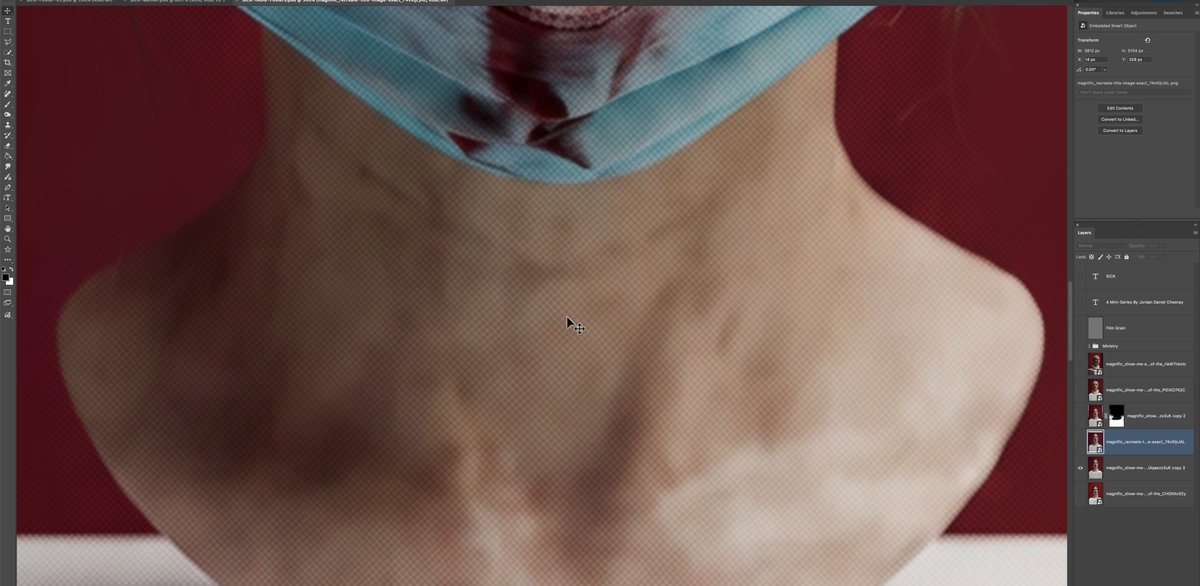
Creator walks through the prompts and scene breakdown behind an AI-made short, 'Salty', in a screen recording.
- 13.6K views
- 118 likes
- 10 reposts
- 16 replies
- 192 bookmarks
This video is Jordan Daniel Chesney’s work, shown from their public post. See it on X.