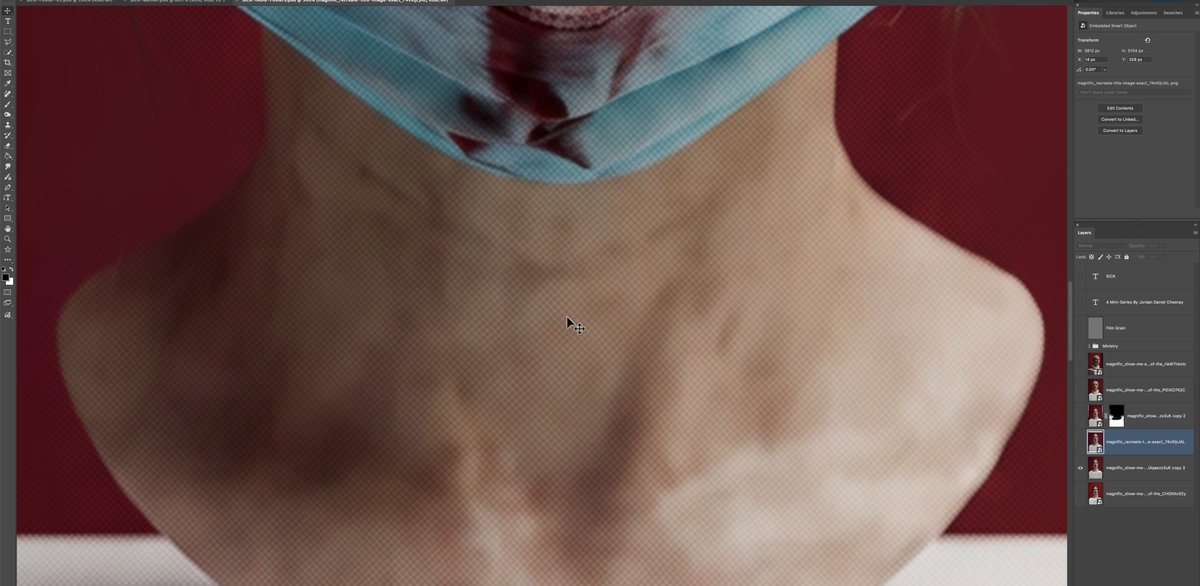

You know that super annoying overlay texture pattern you get on AI images, particularly with Nano Banana Pro and GPT 2.0? Here's how to get rid of it. Toss your image into @magnific as a reference, select the Nano Banana Pro model, and prompt: Recreate this image exactly, detail for detail and restore fidelity, making it high resolution, and crisp, and clear. Exactly maintain the original colors. Credit to @DavidLaChanceJr for figuring this out. Hope this helps.
Shows how to remove AI overlay texture by re-rendering an image in Magnific with Nano Banana Pro.
- 31.8K views
- 413 likes
- 32 reposts
- 15 replies
- 698 bookmarks
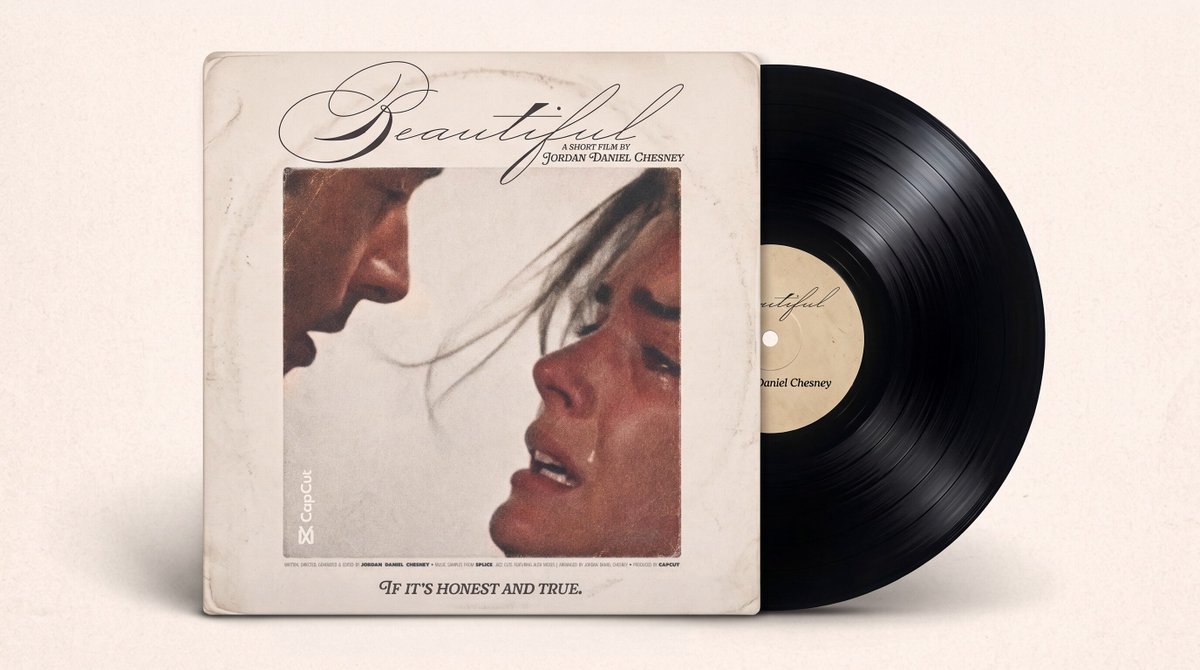
This video is Jordan Daniel Chesney’s work, shown from their public post. See it on X.