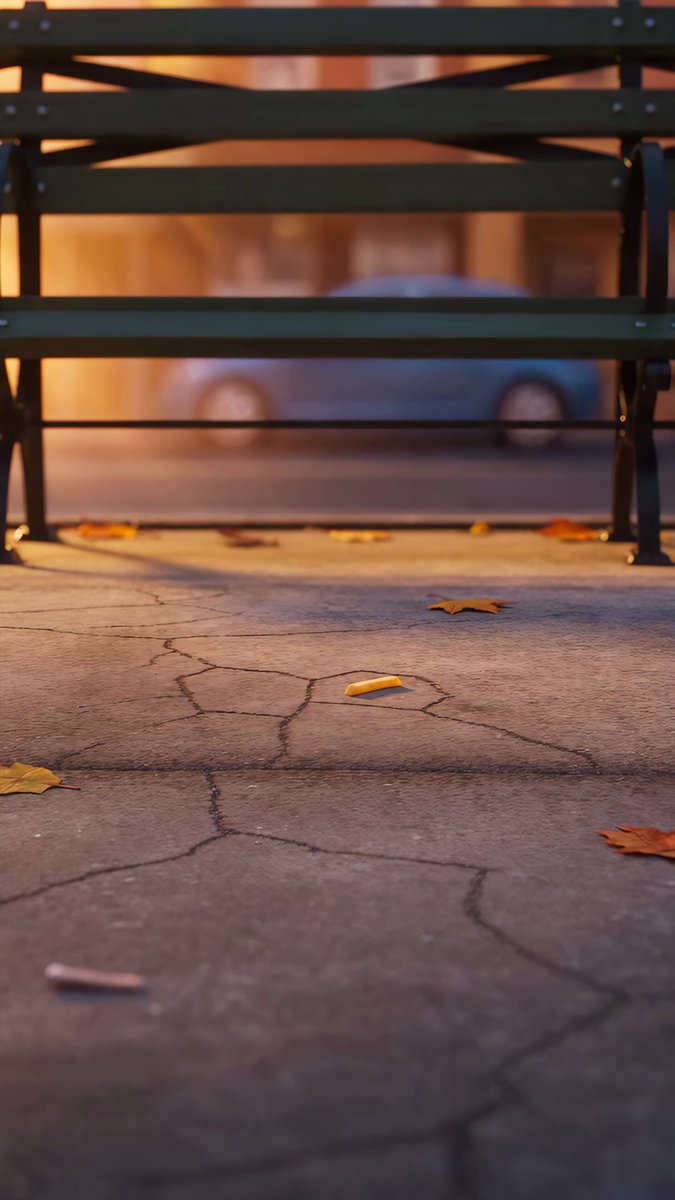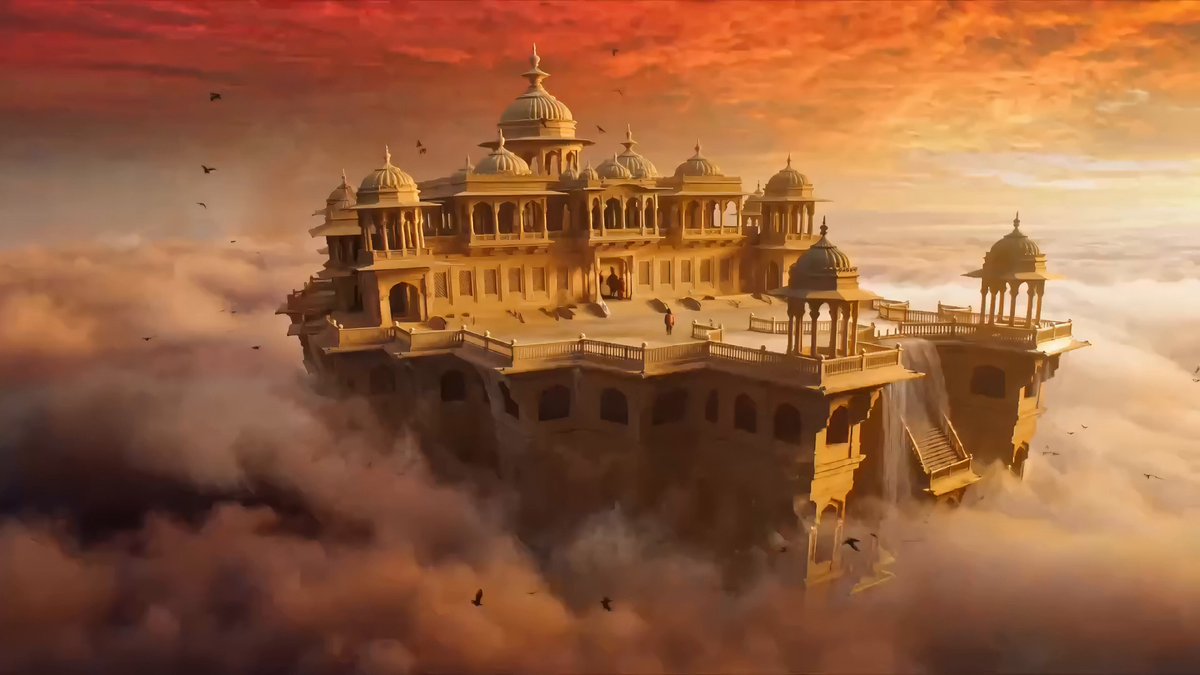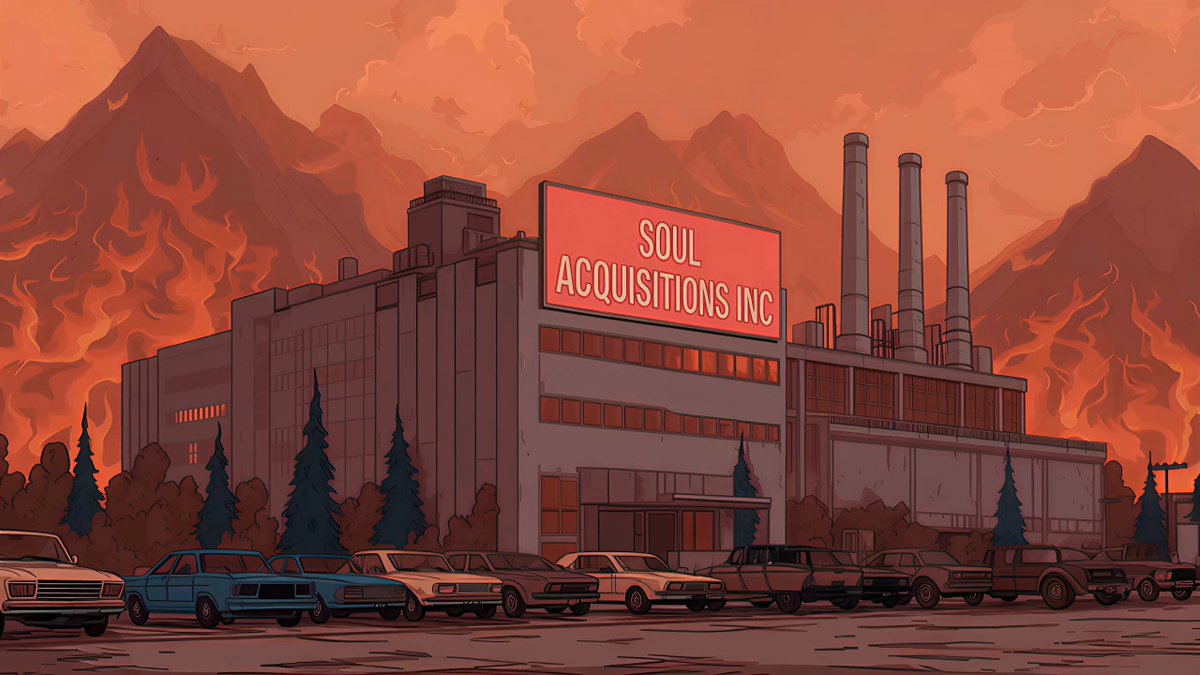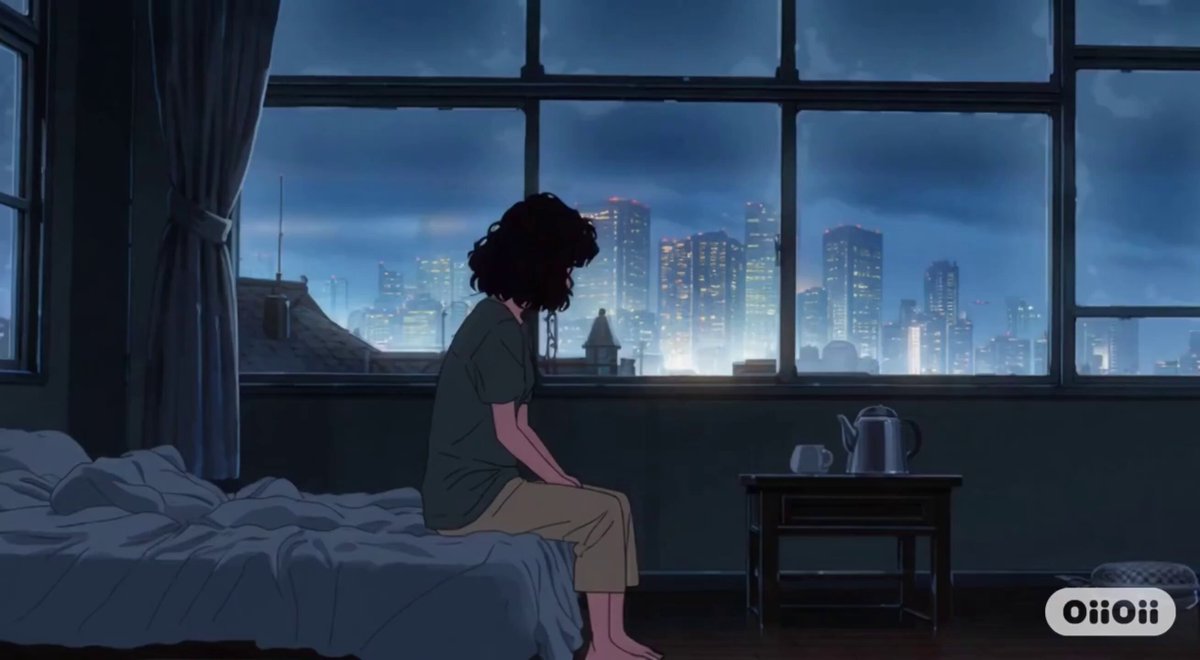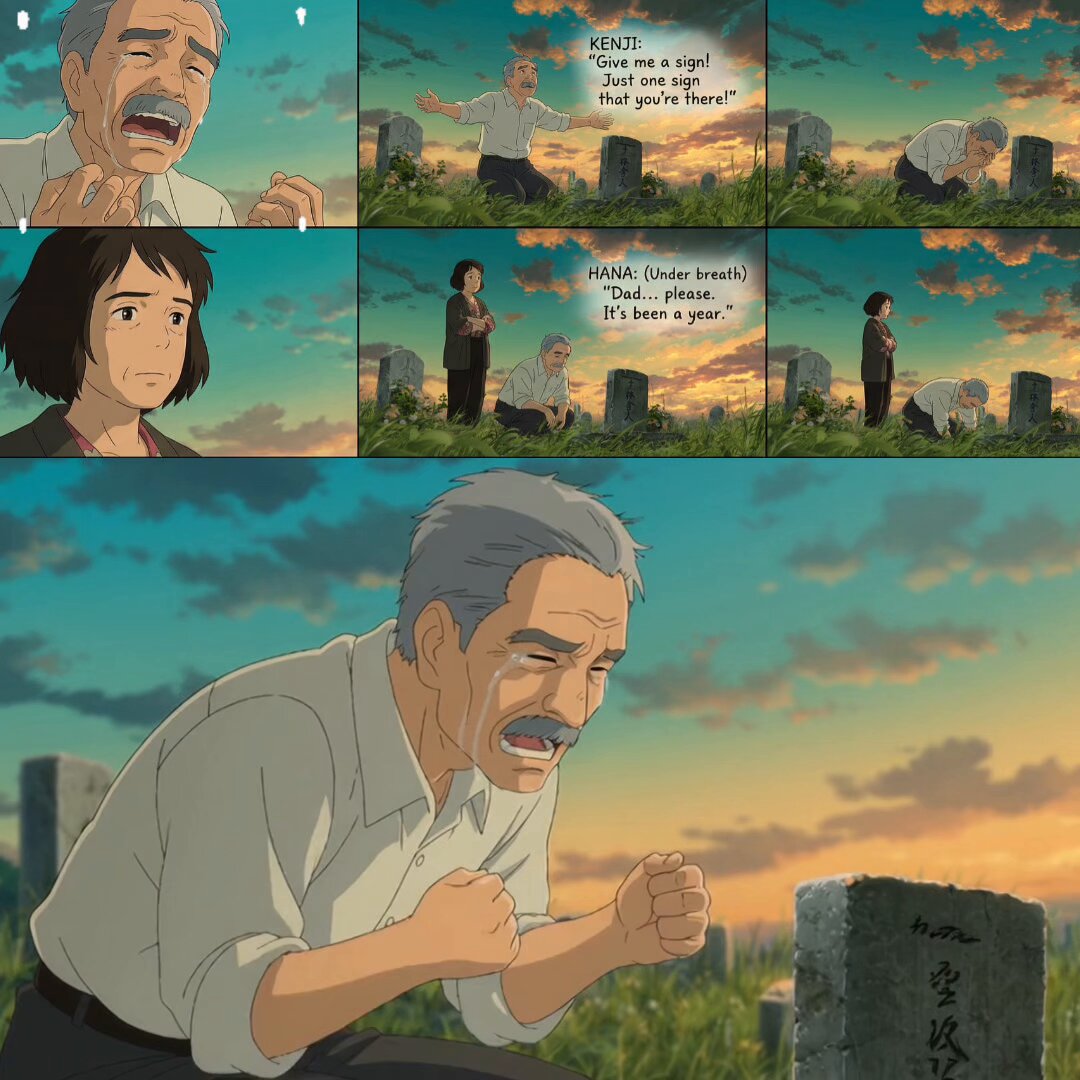
Update on the previous shared hack! 🔥🤯 Recap: Image + prompt into NanoBanana Pro → generate consistent shots, then feed to Sora for epic anime videos in seconds. (If you missed it: See the QT) Downside: No control over music, dialogue, pacing, etc. Now, taking it further: Full control over dialogues, pacing, AND scene customization! 🎬🗣️ New workflow for more control: Img + modified prompt → Grid with dialogues → Sora (animate the storyboard with tempo_factor keyword) The Sora snag: It often adds random music, dialogues, or extra elements that derail your vision. Easy fixes: Add "no music" to remove unwanted tunes (works most times). Same for "no dialogue" to keep it silent. But if you WANT dialogues? Tweak the prompt to add sequence numbers to grid panels and assign specific dialogues to grids. Example: Panel 1,2: "Give me a sign! Just one sign that you're there!" Panel 2,1: (Under breath) "Dad... please. It’s been a year." Add keyword tempo_factor = (1.0 / 2.0 / 3.0 etc.) — I've used 1 for simple story pacing; use 2+ for fast cuts/trailer feel. This guides Sora to sync mouth movements, timing, and scenes to your script — no randomness, just your custom story. Adapt grid size (e.g., 2x2 or 3x2 for dialogue accommodation; up to 5x4 for fast cuts) to fit 15s clips with emotional beats. Check the example grid 👇. Imagine layering dialogues for full narrative impact and controlled customization! Note: Still testing this method; sample size is low, but it has worked 8/10 times for me so far. 🚀 Drop your results and tag me! #AIArt #Sora2 #NanoBananaPro #AIAnimation
A grieving father pleads for a sign at a grave while his daughter watches.
- 11K views
- 219 likes
- 31 reposts
- 8 replies
- 286 bookmarks
This video is SD | AI Animation Storyteller’s work, shown from their public post. See it on X.