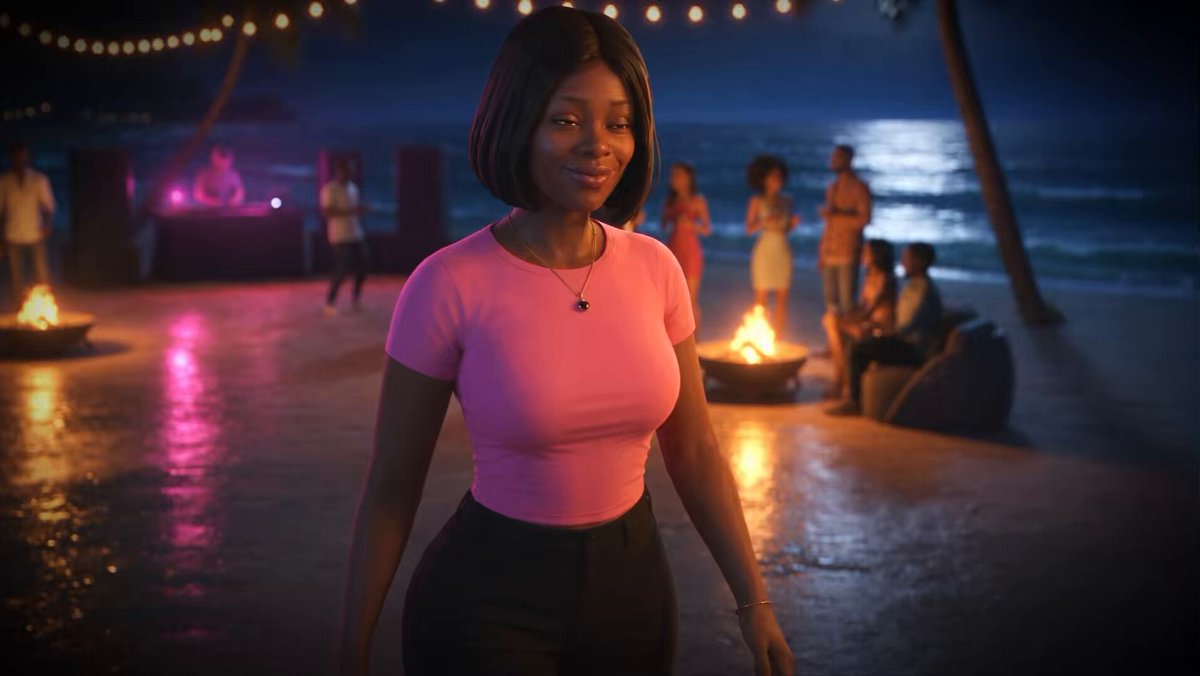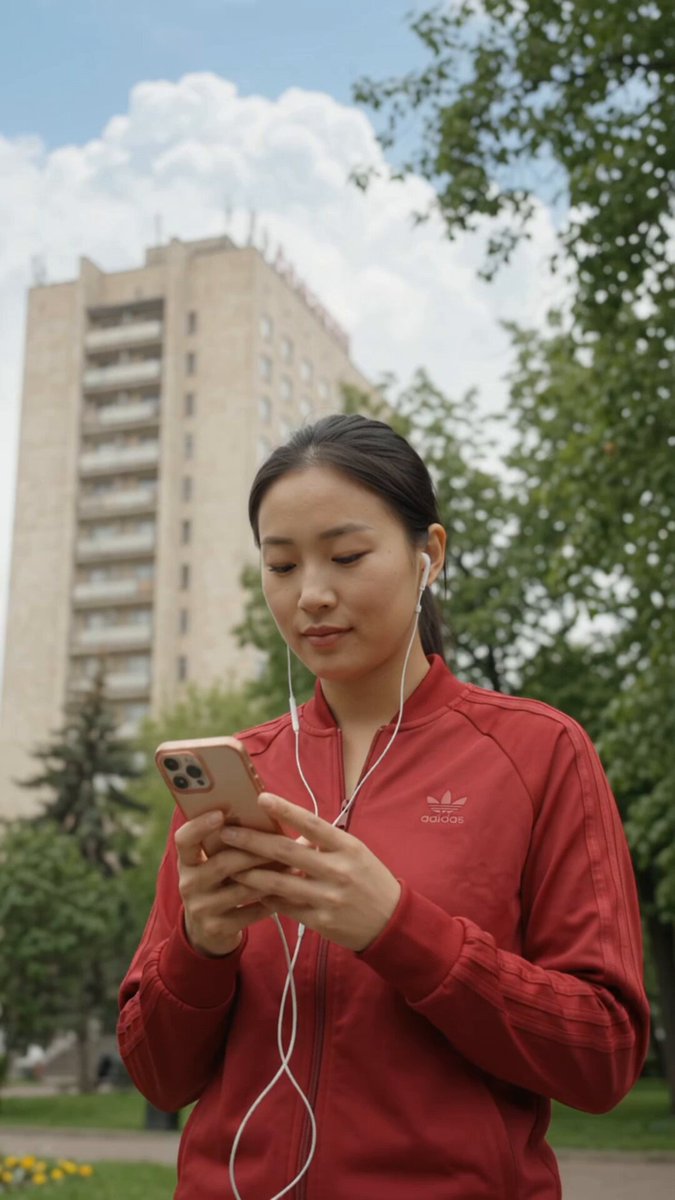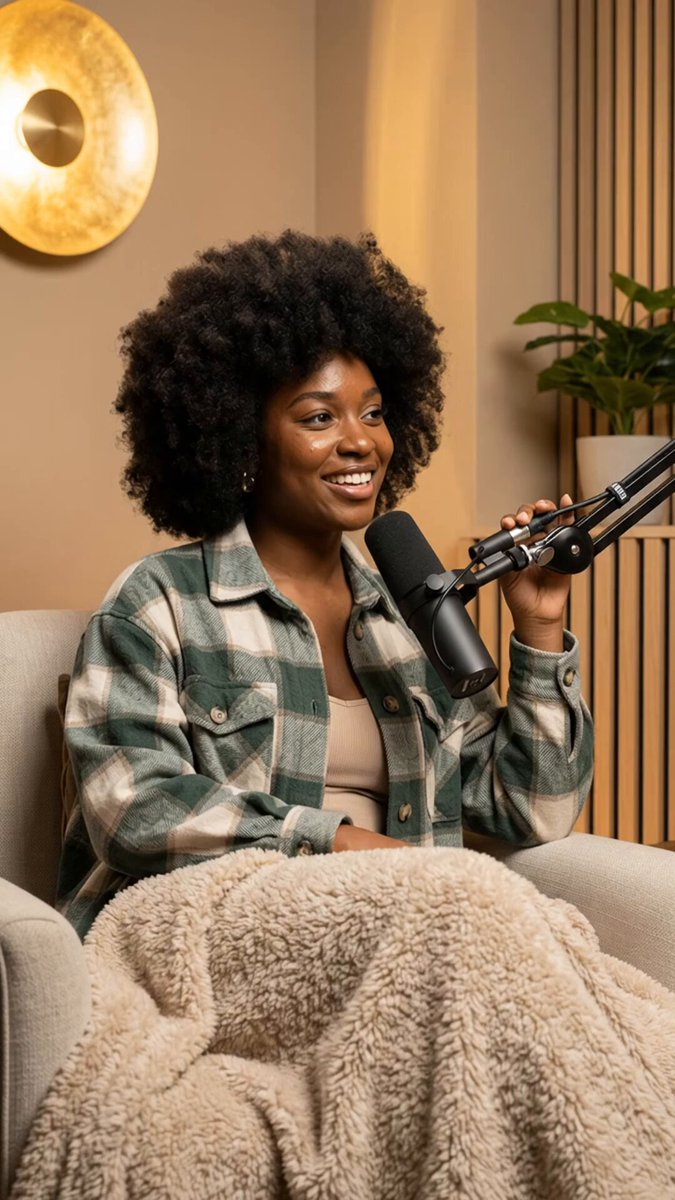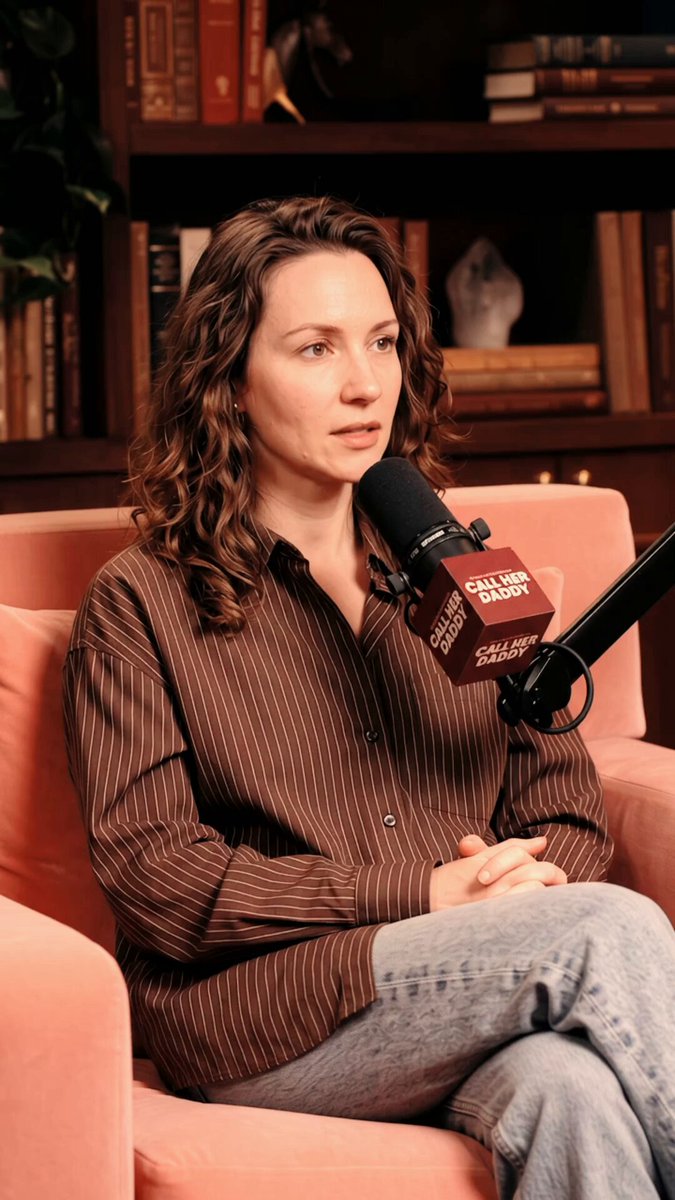

Initially, I used to think AI character consistency in video generation was about writing better prompts. It isn't. The real breakthrough came from treating the character like a reusable creative asset instead of generating every image from scratch. Here's a peek into the workflow I use 🧵 1/ I build the character foundation first. Before thinking about outfits, locations or poses, I establish the identity: Face shape. Eyes. Nose. Lips. Hair. Skin tone. Body proportions. Distinctive features. These become the character's identity anchors. 2/ Create a strong reference image. I treat this as the character's source of truth, so the reference should clearly show the face and defining features without unnecessary distractions. When generating new content, I use that reference instead of relying on just text to recreate the person from memory. 3/ Separate identity from variables. This changed everything for me. Keep stable: Face, facial proportions, hair characteristics, skin tone, body structure and distinctive features. Change deliberately: Outfit, location, pose, camera angle, lighting and props. The character stays the same. The scene changes. 4/ Create a consistent identity block. Instead of rewriting the character description differently every time, I maintain a stable character description and build the scene around it. Think of it like this: CHARACTER IDENTITY + SCENE + OUTFIT + POSE + CAMERA + LIGHTING This gives the model a consistent foundation. 5/ Don't change everything at once. If I want a new outfit, I change the outfit. I don't simultaneously change the location, hairstyle, camera angle and lighting. Controlling variables makes it much easier to see where the consistency breaks. 6/ Re-anchor when the AI drifts. AI will drift sometimes. When it does, I don't keep generating random variations hoping it'll magically fix itself. I go back to the strongest reference, re-establish the identity, and continue. Think of it as recalibrating. 7/ Quality-check for every generation. Before accepting an image, I compare it with the original. Does the face still look right? Are the eyes, nose and lips consistent? Is the face shape still recognizable? Does this actually look like the SAME person? If not, fix the character before moving forward. 8/ Lock the production when moving to video. For talking-head videos, I also keep the framing, lens feel, camera height, lighting, environment and colour treatment consistent. Then I let the PERFORMANCE change. Different emotions. Different gestures. Different reactions. Same character. 9/ Don't over-direct the performance. This is especially important with AI video. Instead of forcing ten different gestures into a 6-second clip, I focus on the emotion. Natural blinking. Small head movements. Breathing. Subtle hand gestures. Natural pauses. The identity stays locked. The performance breathes. 10/ Build the content around a story. This is how I approached my "I Fired My AI Model" ad below. I didn't start with: "Are you struggling with AI character consistency?" I started with: "I think I just fired my AI model." Now there's a reason to keep watching. Problem → frustration → discovery → solution. The audience experiences the problem before I mention the product. 11/ And don't make the character sound like an advertisement. I used pauses, dragged words and conversational reactions: "whyyy..." "peeerfect..." "Girl..." "WHO is this?" Those little imperfections make the character feel like she's talking to a real person, not reading a script. 12/ The biggest lesson: AI character consistency isn't one magic prompt. It's a workflow: Reference → Identity anchors → Stable character description → Controlled variables → Re-anchoring → Quality control → Consistent production → Natural performance. Once you start thinking this way, You're building a reusable character asset. That's the workflow better explained in The Consistent Creator.
A woman in a striped shirt speaks into a Call Her Daddy podcast microphone, gesturing and reacting.
- 448 views
- 7 likes
- 0 reposts
- 9 replies
- 2 bookmarks
This video is theAIpro | AI Video Creator’s work, shown from their public post. See it on X.